MASA Public Relations
Looking for an easy way to show your support for MASA? We’ve created a collection of ready-to-share social media graphics for MASA members and vendor partners
to use on their own social channels. Download your favorites, share them with your network, and help spread the word about MASA.
Celebrate Your MASA Education Day Registration (Attendee)+
Celebrate Your MASA Education Day Registration (Attendee)
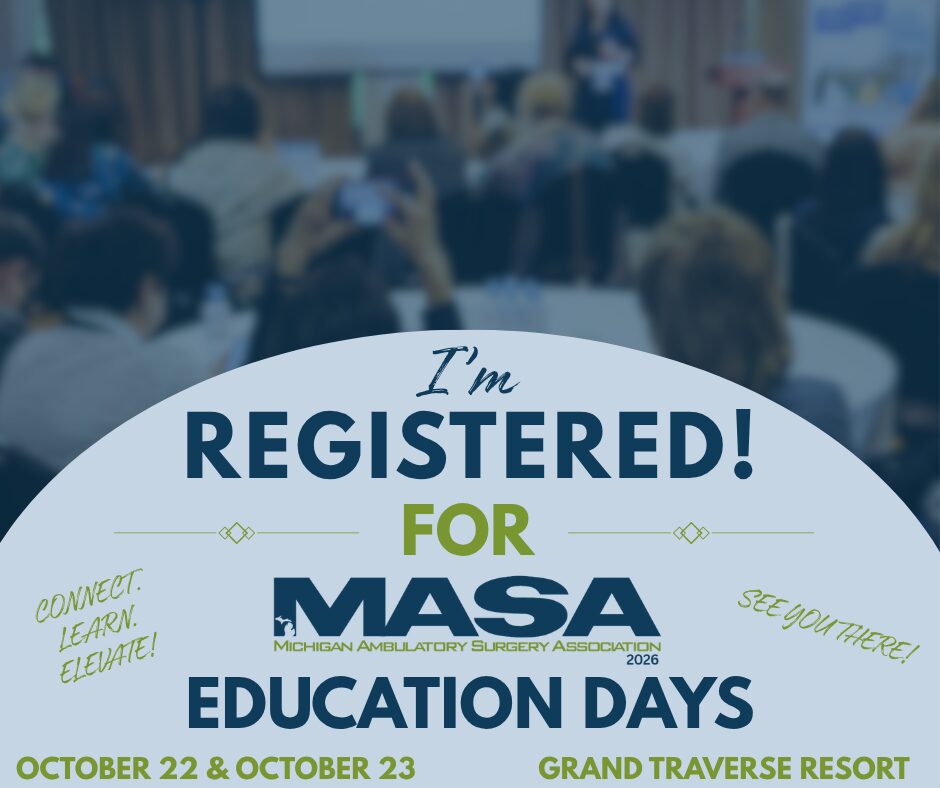
The countdown is on, and we’re so excited to see everyone who has registered for MASA Education Days! Get ready for two days of education, networking, and connecting with fellow ASC professionals and industry partners. Are you registered? Share your excitement! Download the “I’m Registered” graphic and post it on Facebook or LinkedIn to let your network know you’ll be joining us. We can’t wait to see you there!
Download “I’m Registered” Graphic: Click on the Graphic, once graphic opens, right click and save image to post on your Facebook or LinkedIn.

Celebrate Your MASA Education Day Registration (Exhibitor)+
Celebrate Your MASA Education Day Registration (Exhibitor)
The countdown is on, and we’re so excited to see our Exhibitors who has registered for MASA Education Days! Get ready for two days of education, networking, and connecting with fellow ASC professionals and industry partners. Are you registered? Share your excitement! Download the “I’m an Exhibitor Registered” graphic and post it on Facebook or LinkedIn to let your network know you’ll be joining us. We can’t wait to see you there!
Download “I’m Registered” Graphic: Click on the graphic, once graphic opens, right click and save image to post on your Facebook or LinkedIn.

ASC VS. HOSPITAL+
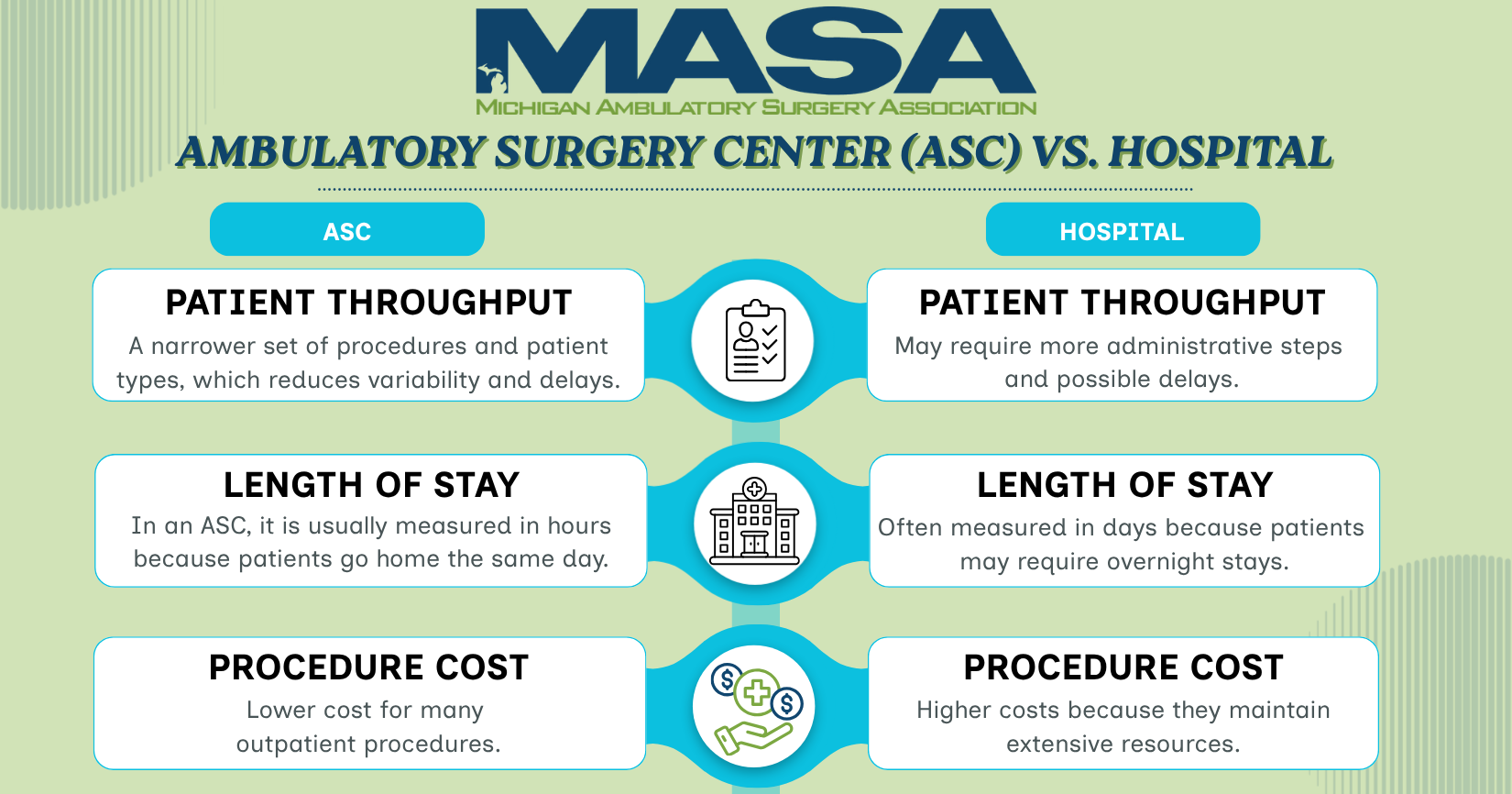
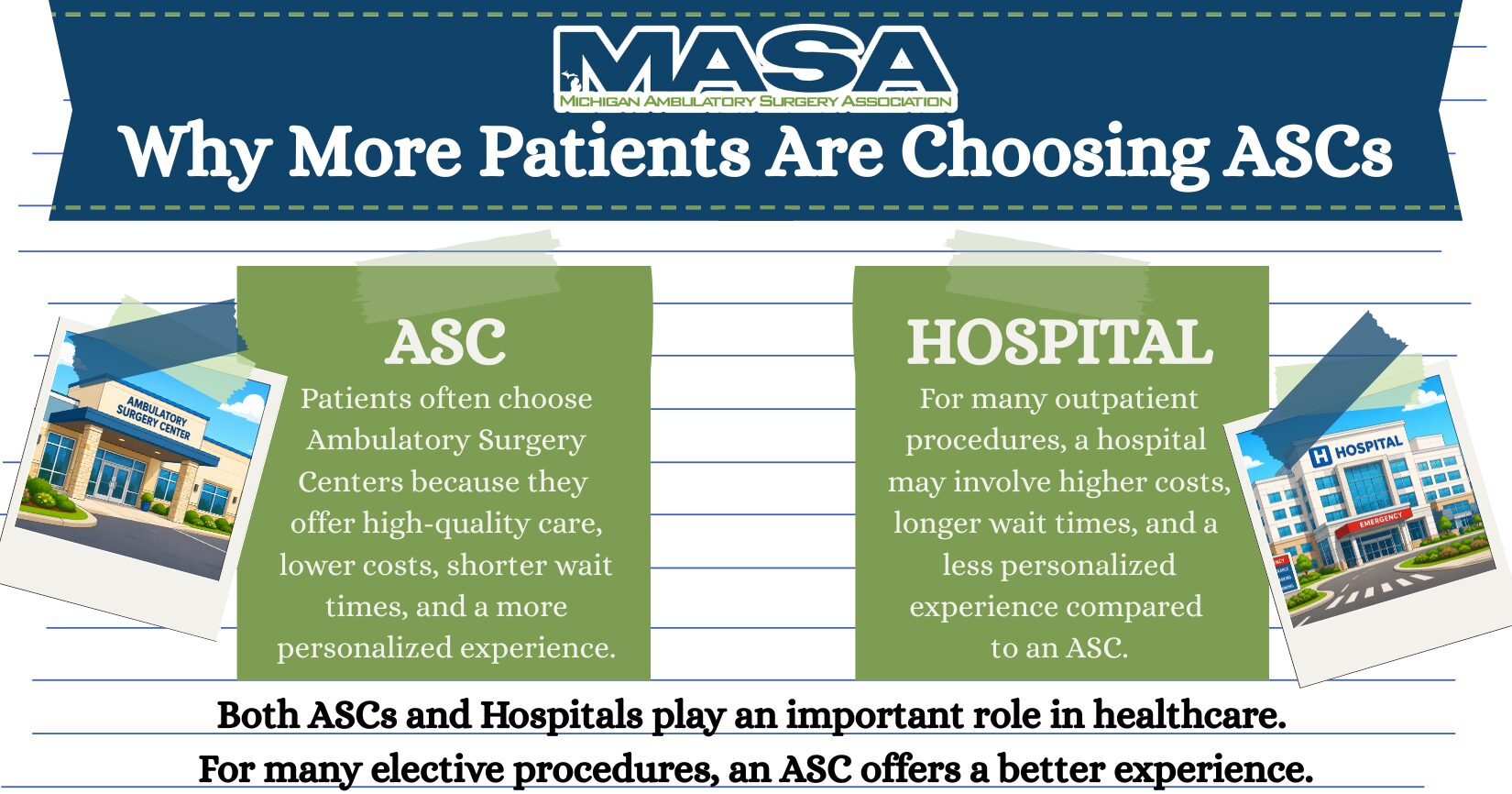
ASC VS. HOSPITAL
Download Graphics: Click on each graphic, once graphic opens, right click and save image to post on your Facebook or LinkedIn!
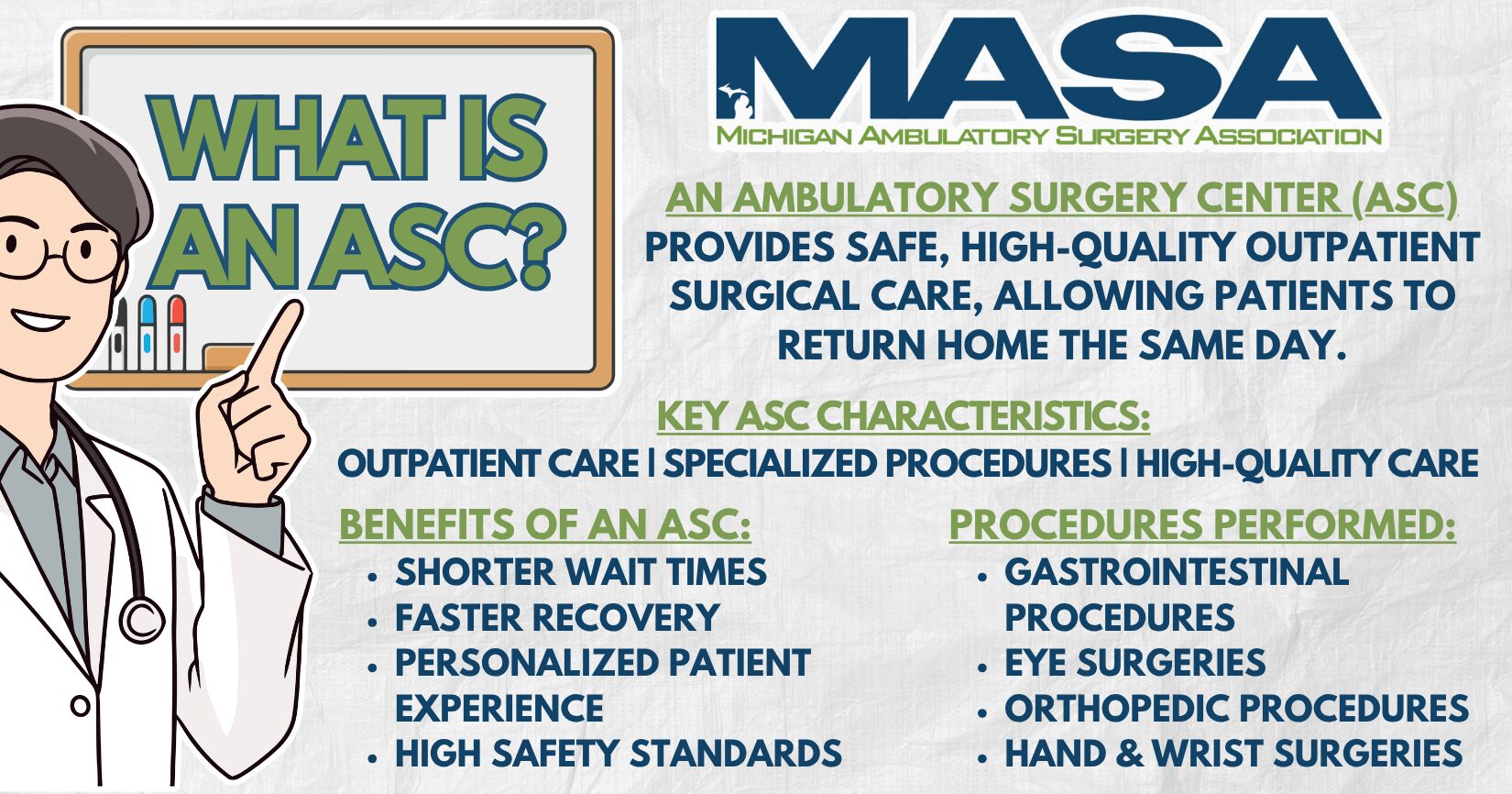
What is an ASC?+
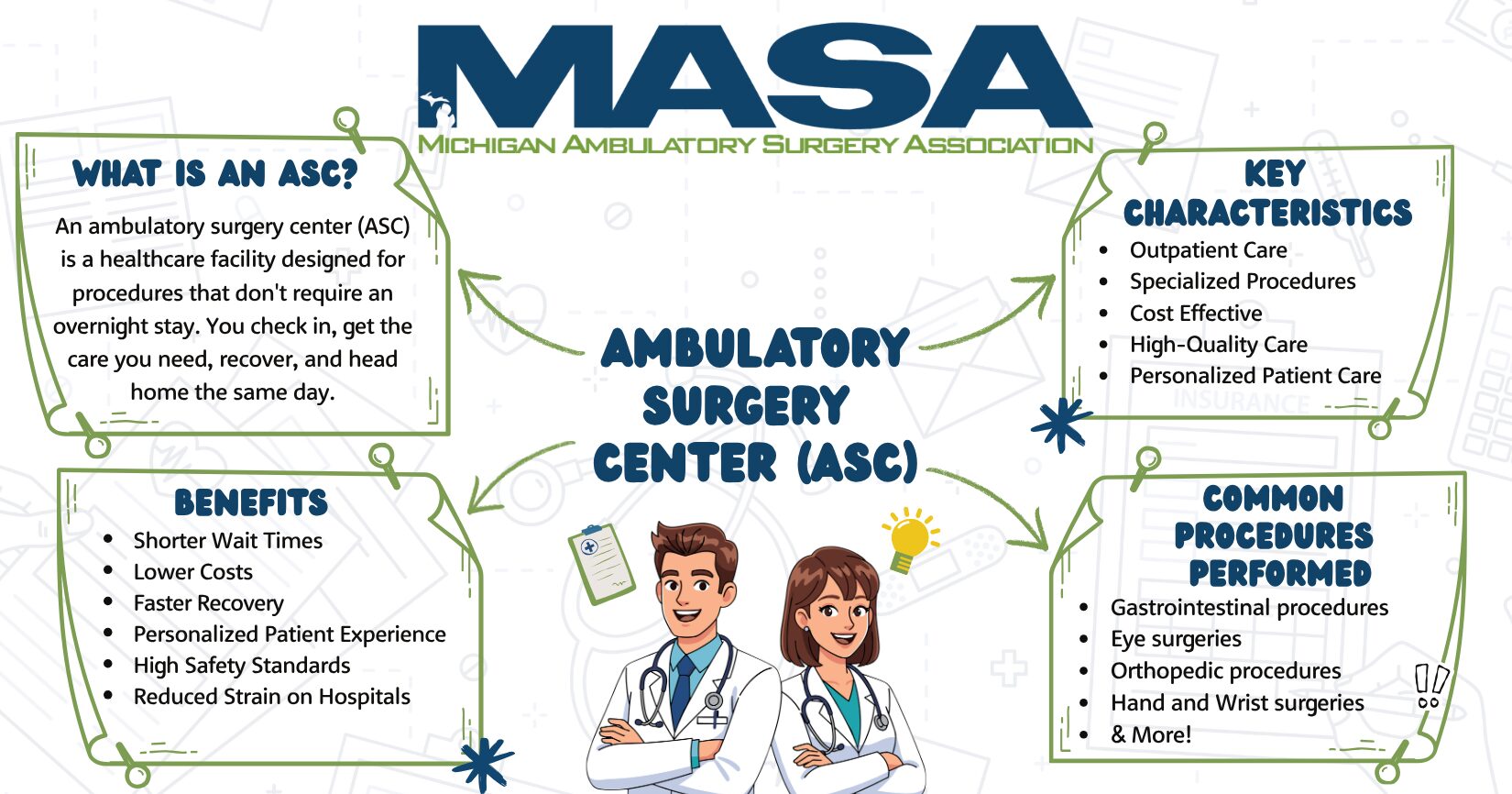
What is an ASC?
Download Graphics: Click on each graphic, once graphic opens, right click and save image to post on your Facebook or LinkedIn!
Email Signatures+
Email Signatures
Looking to promote MASA on your Email Signature? Follow the Microsoft instructions to help add MASA to your Email Signature. Download Graphics: Click on each graphic, once graphic opens, right click and save image to add to your Email Signature!